
Enable Wiclax access for an edition, copy the user and the API key, and send them to your timekeeper so they can import your participants into Wiclax.
Wiclax is timing software. Once access is enabled, your timekeeper imports the participants of each race straight into Wiclax, using two credentials that belong to your edition.
Nothing flows back the other way: results stay in Wiclax.
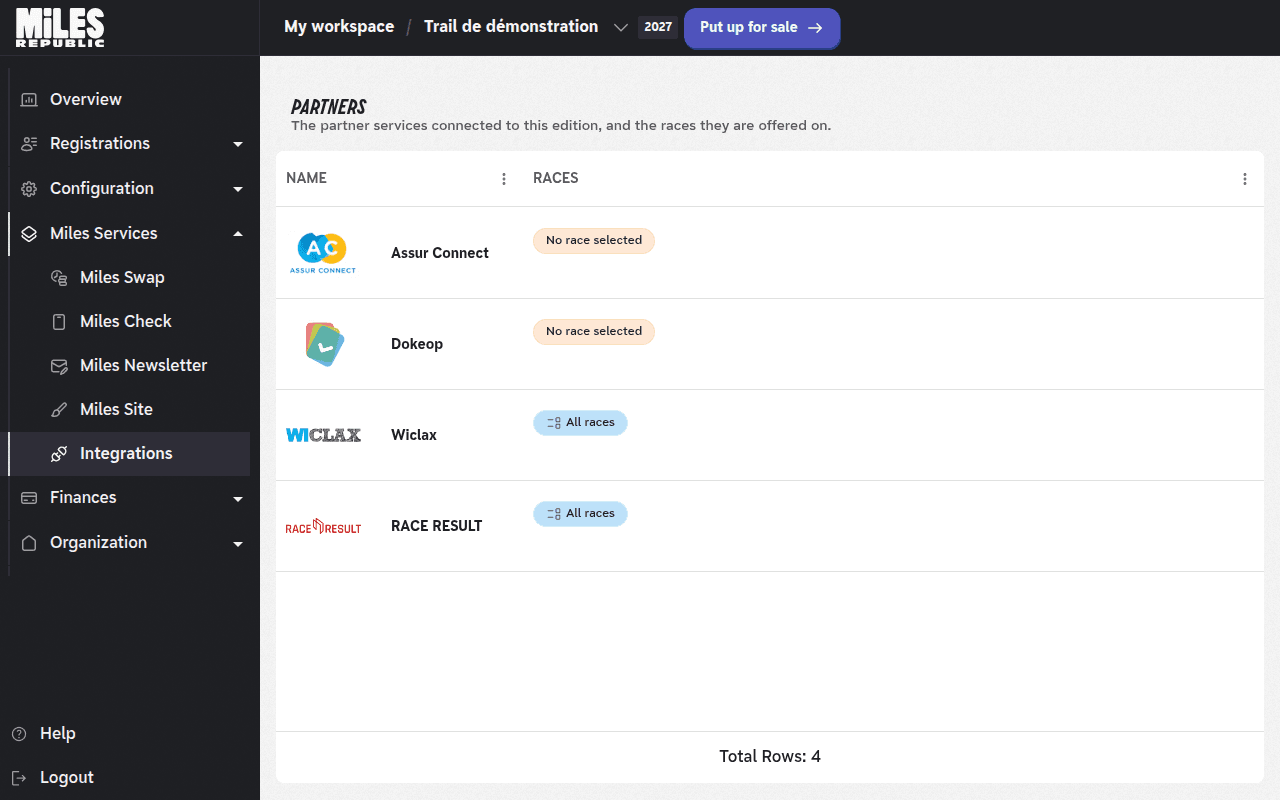
Open the Wiclax page
In your edition menu, open Miles Services, then Integrations.
On the Partners page, click the Wiclax row.
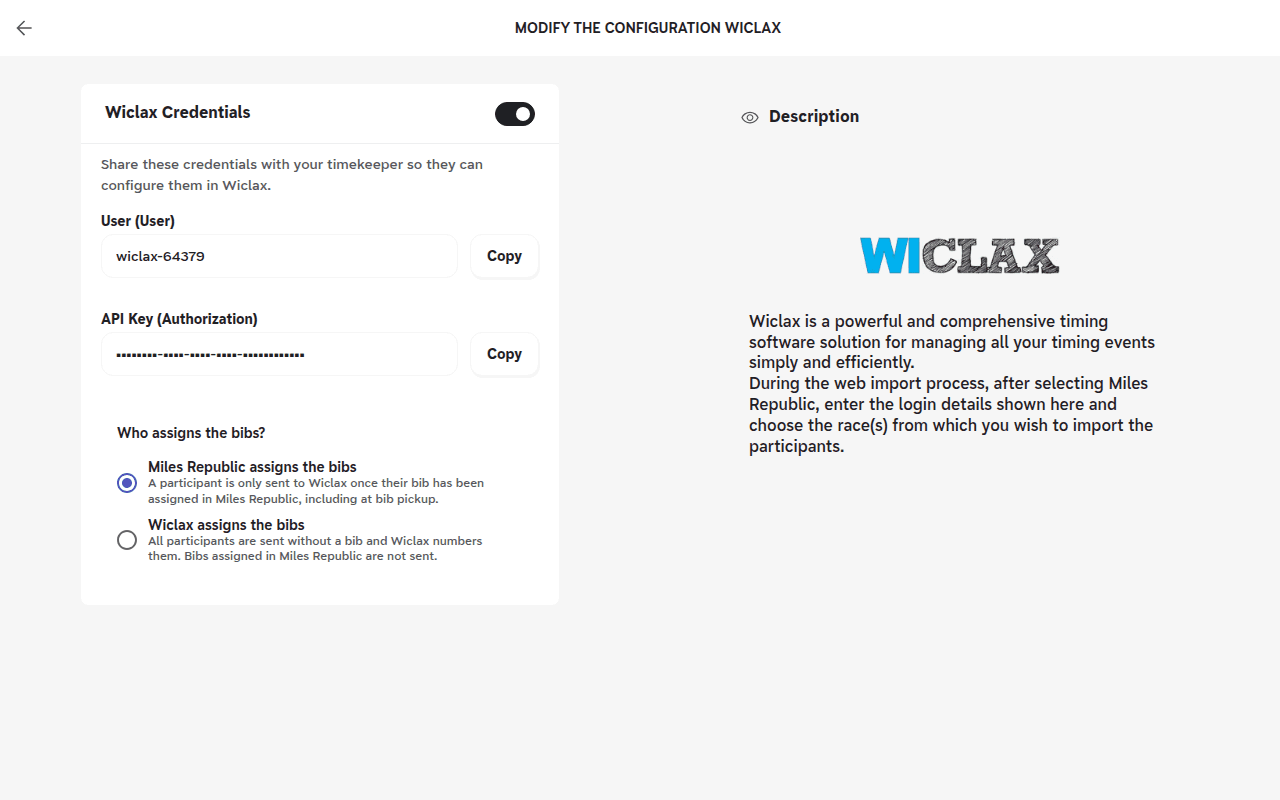
Enable access and copy the credentials
Turn on the switch to the right of Wiclax Credentials. The edition's credentials appear.
Click Copy next to User (User), then Copy next to API Key (Authorization), and send both values to your timekeeper.
Under Who assigns the bibs?, keep Miles Republic assigns the bibs if you assign bibs in Miles Republic, including at bib pickup. Choose Wiclax assigns the bibs if your timekeeper numbers them in Wiclax. Your choice is saved as soon as you click.
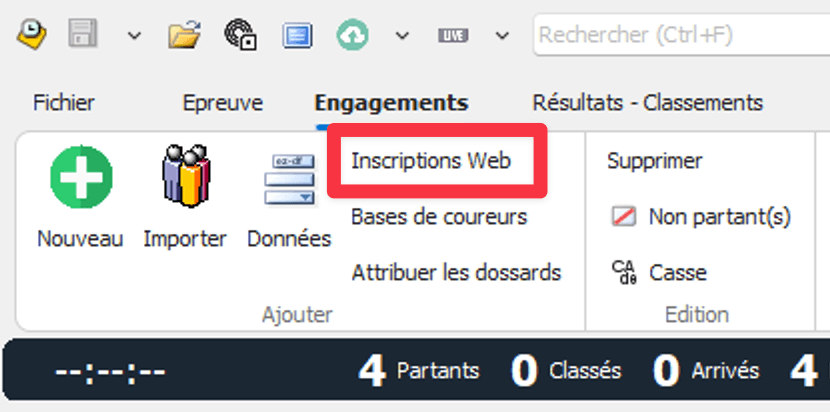
On the timekeeper's side: open the import in Wiclax
In Wiclax, your timekeeper opens the Engagements tab (entries) and clicks Inscriptions Web (web registrations). The Importer une liste d'inscrits en ligne window (import an online registration list) opens.
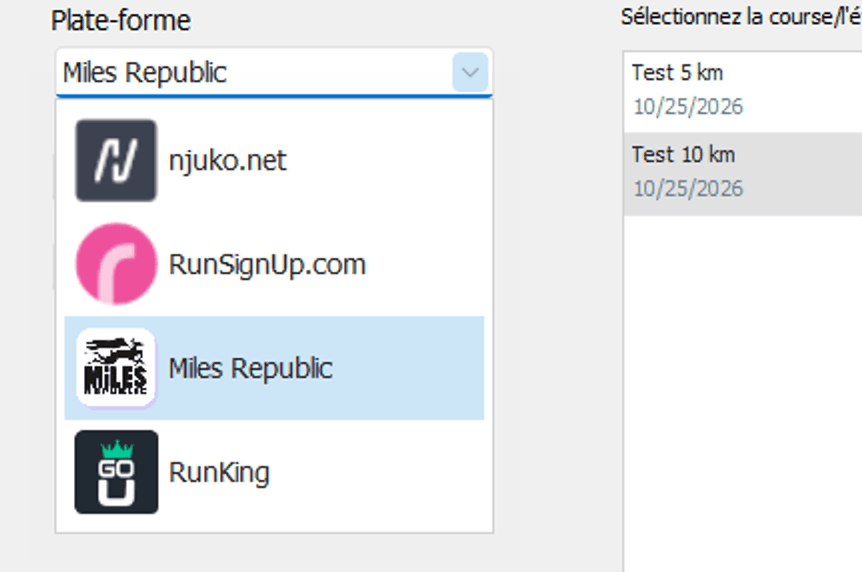
Choose Miles Republic and enter the credentials
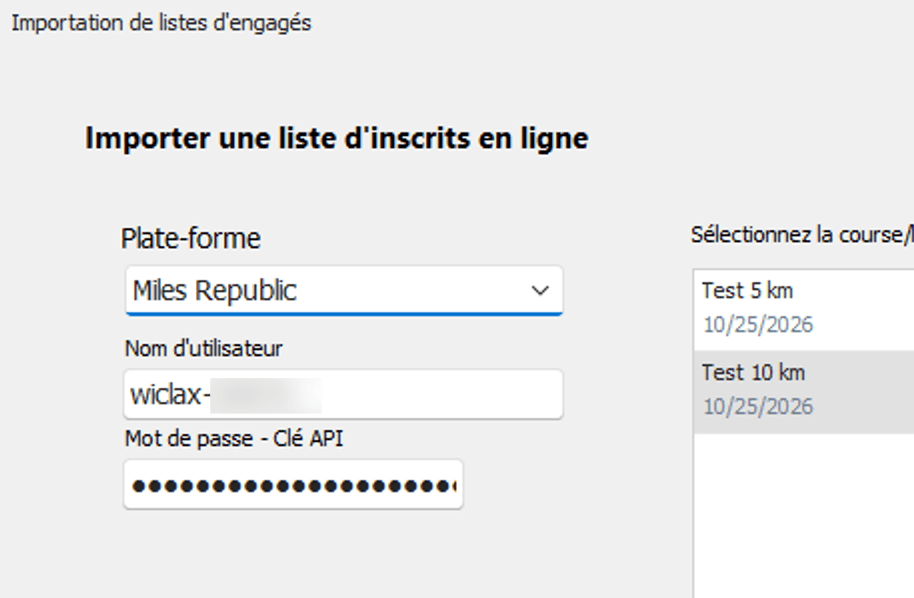
In the Plate-forme list (platform), they choose Miles Republic.
They paste the user into Nom d'utilisateur (user name), and the API key into Mot de passe - Clé API (password - API key). The races of your edition appear on the right, under Sélectionnez la course/l'événement (select the race/event): each one is a separate event.
Import the participants
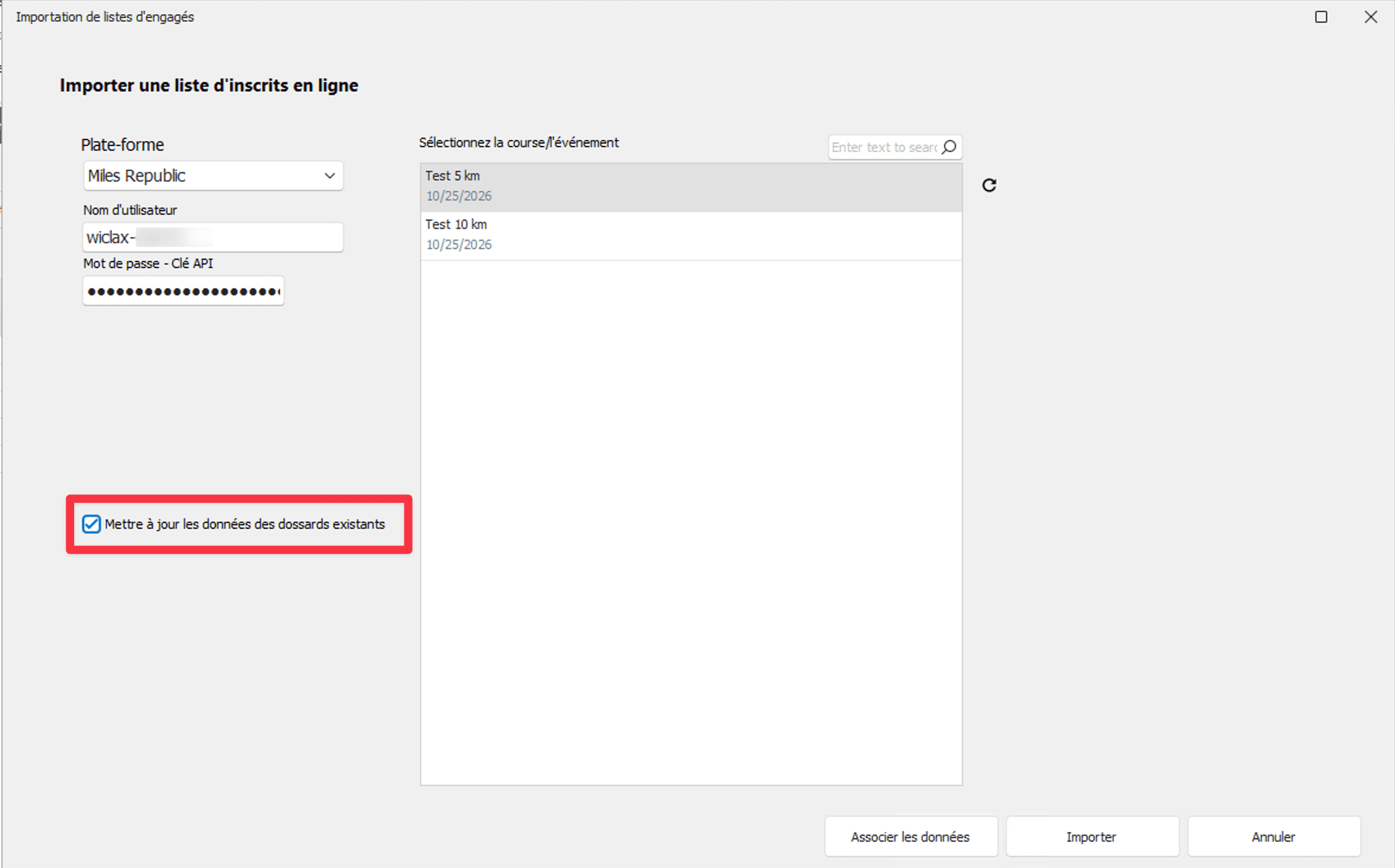
They tick Mettre à jour les données des dossards existants (update the data of existing bibs), on every import.
They select a race in the list.
With Associer les données (map the data), they map the Licence / PPS field onto Wiclax's licence column: this field carries each participant's licence number or PPS. Then they click Importer (import).
Your timekeeper sees the message Unknown user
Access is turned off, or the credentials were copied wrongly. Check that the switch to the right of Wiclax Credentials is on, then have the user and the API key copied again with the Copy buttons, with no added space or word.
Each edition has its own credentials: those of a previous edition do not work.
The message Unable to load Wiclax credentials appears
Your account does not manage this edition. Ask the edition's organizer to give you access, then reload the page.